The Savvy Systems logoThe Savvy SystemsDESIGN. CONNECT. SIMPLIFY.
A desk with a computer showing the Practical AI Playbook
A LITTLE PRACTICAL KNOW-HOW

Curious about AI?
Start with the useful stuff.

The Practical AI Playbook brings short lessons, a printable toolkit, live trackers and a searchable task map into one place. It’s built to help you work out where AI genuinely belongs in your business, and how to use it without putting your clients’ information at risk.

Take a peek inside A free resource from The Savvy Systems. Free account required. Already have one? Sign in
27
short lessons in 9 sections, each with something to do
27
printable worksheets, each with a notes page, plus 5 spreadsheet trackers
86
practical examples and 53 everyday tasks in the AI Task Map
Free
with an account. Your progress saves as you go.

What’s inside

Four tools. One way of working.

The Practical AI PlaybookThe path
Points0/100
Lessons ticked0/27
Milestones0/9
STARTING OUT

01   Start Where You Are

What AI is good at
Find your first task
Set your expectations

02   Protect Client Data First

Names or numbers
Redact without slowing down
Talk to clients & advisors
9 sections · 27 short lessons

The Playbook

Learn a little, then try it. Follow practical lessons, tick off your progress, and keep your ideas on a brainstorm board.
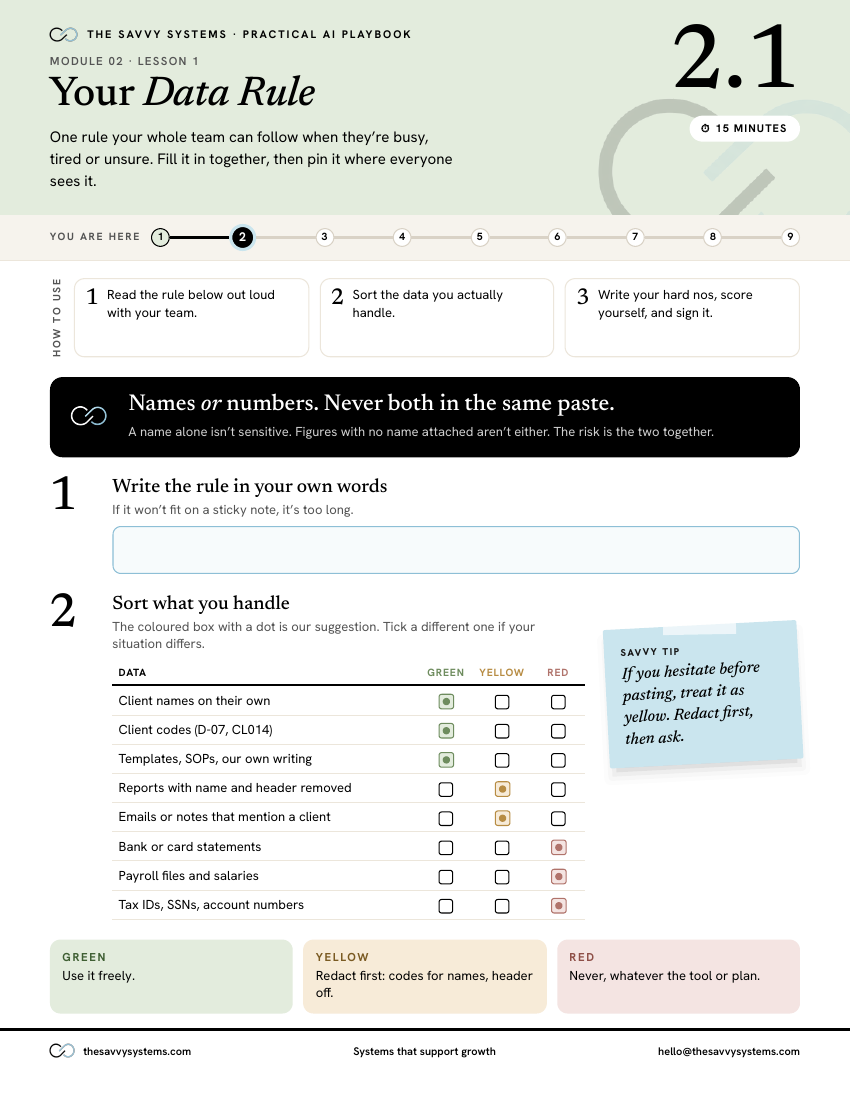
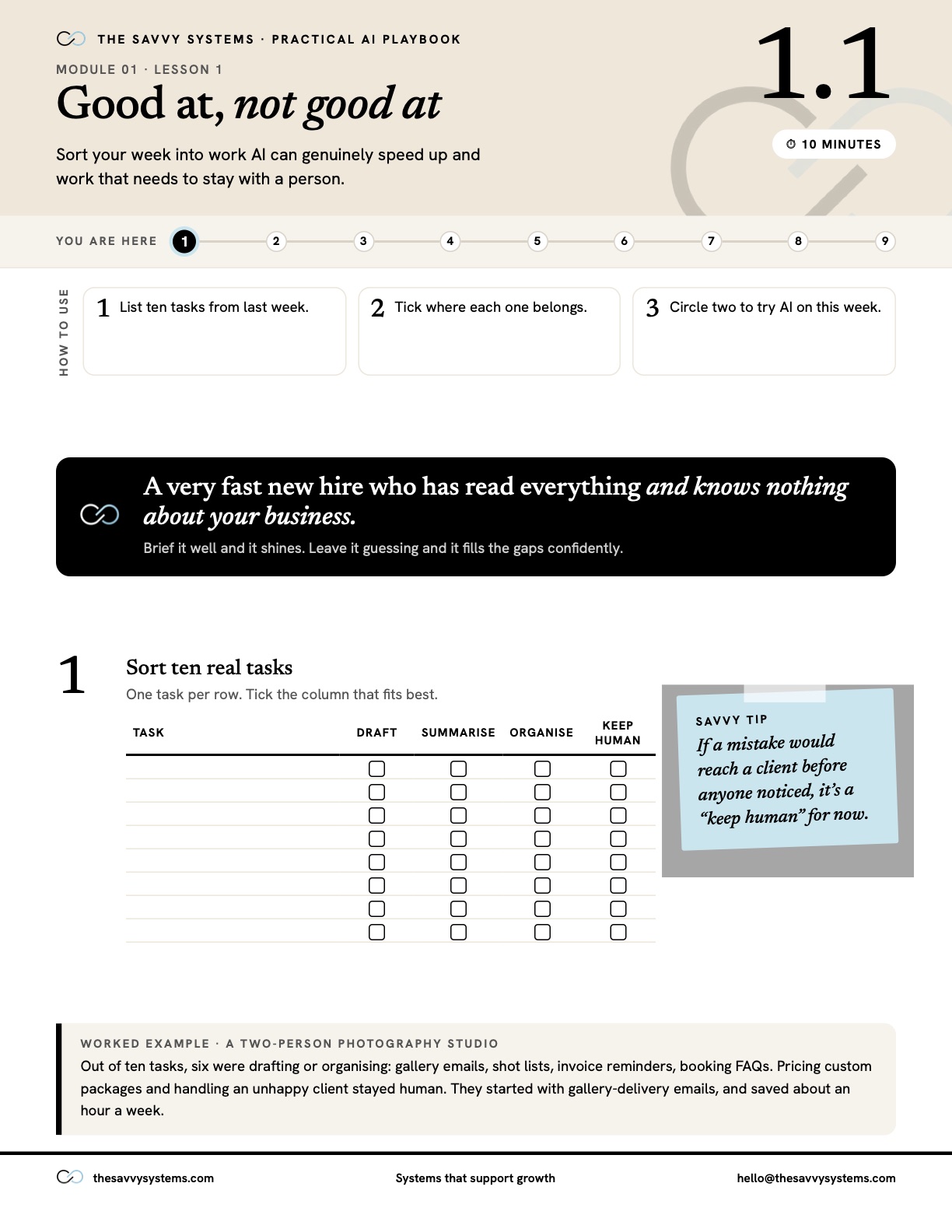
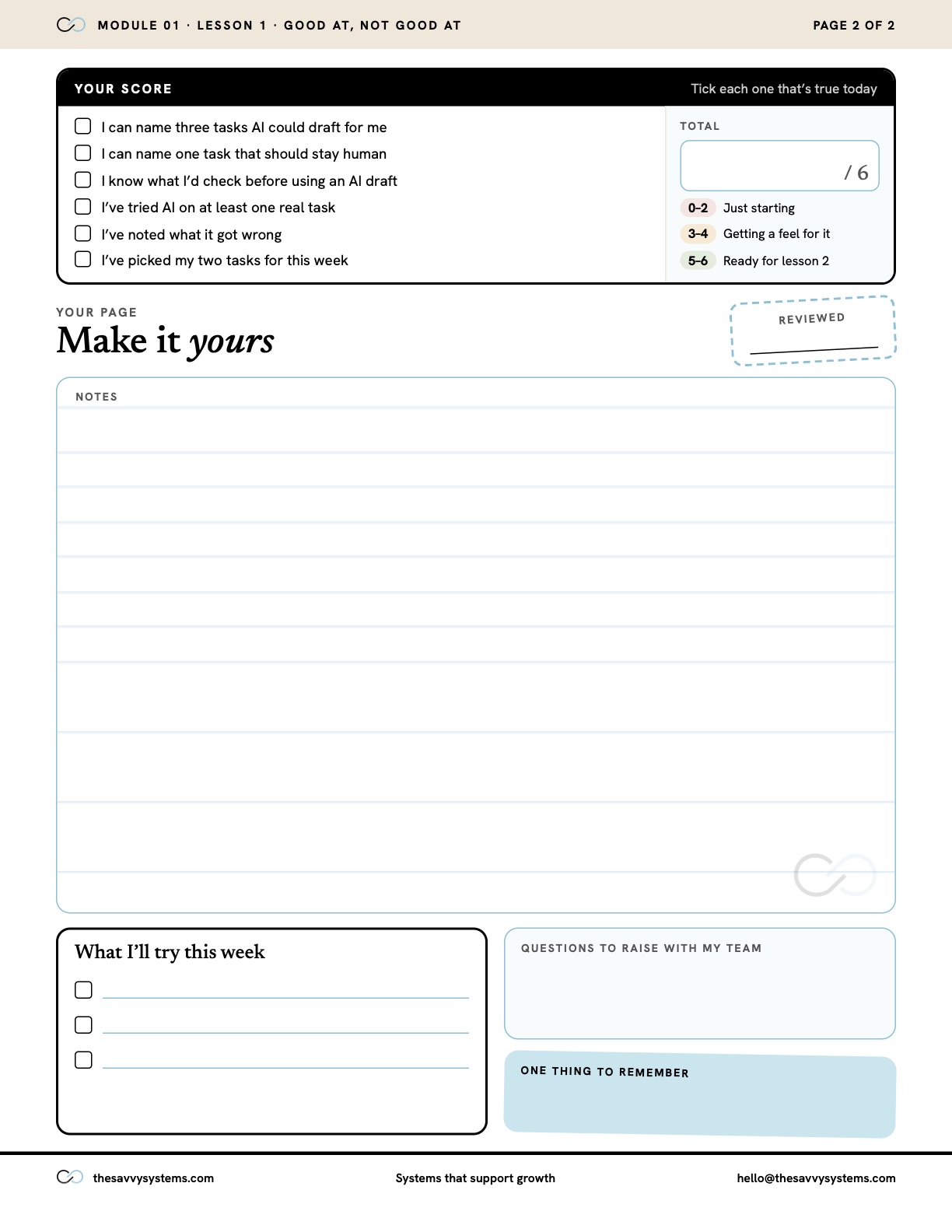
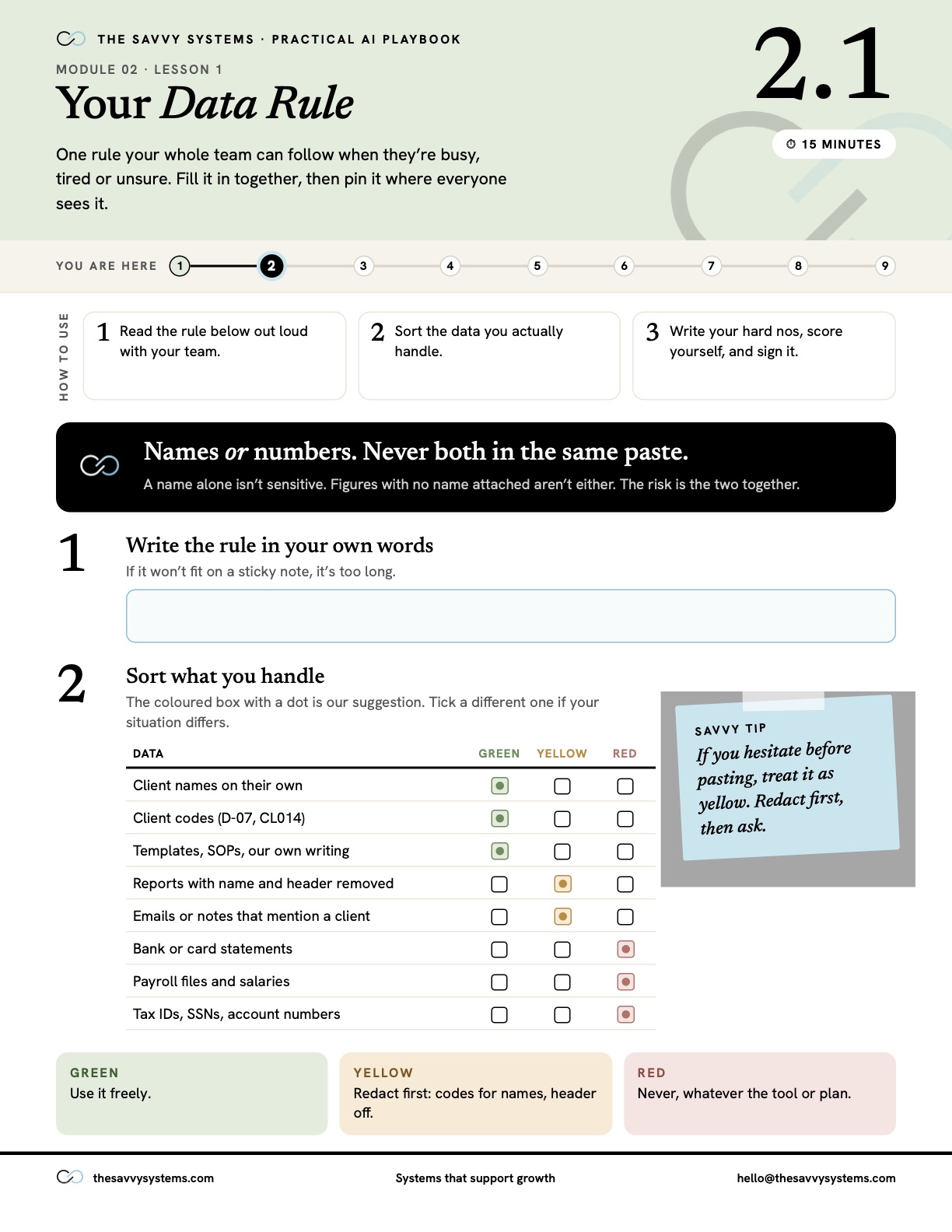
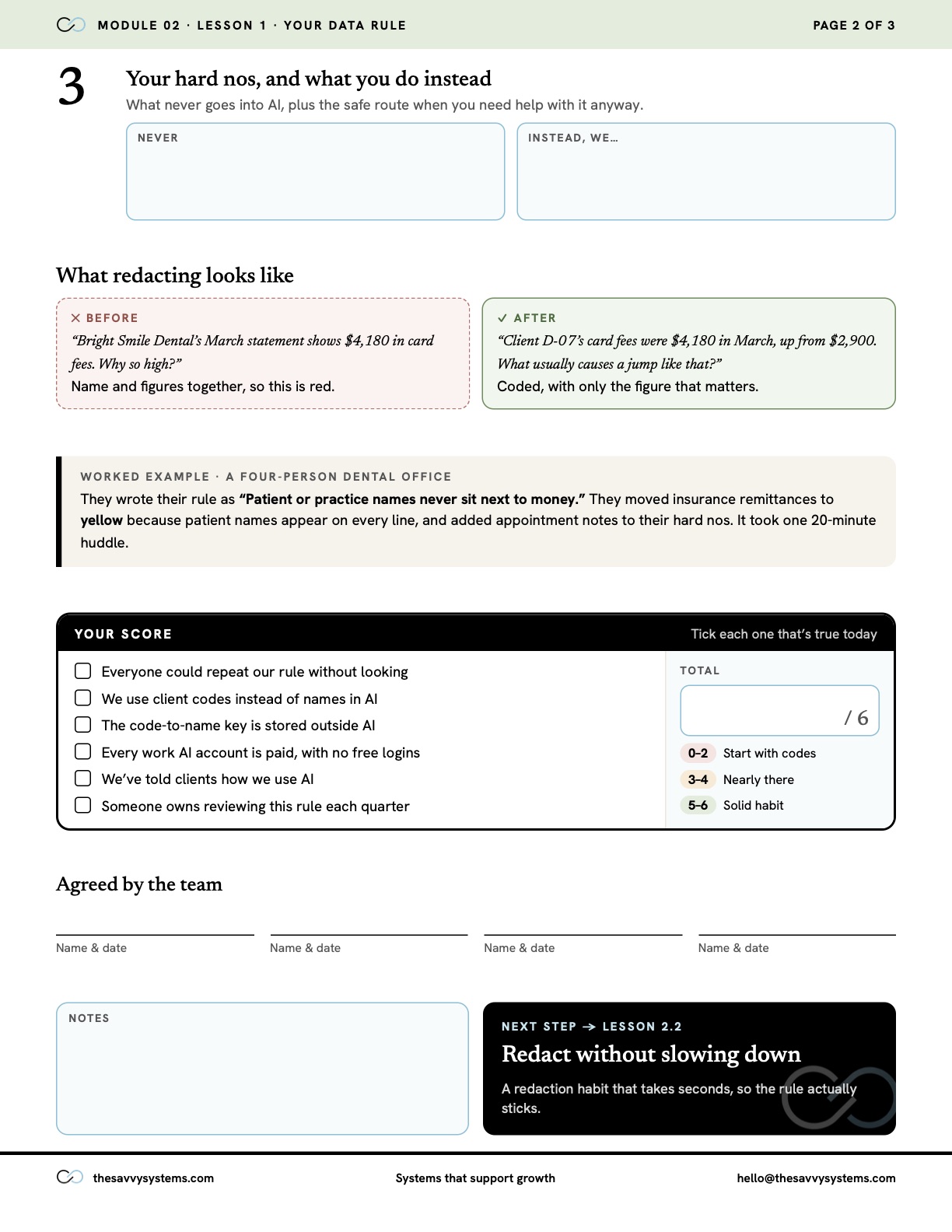
Actual Toolkit worksheet: Your Data Rule, with exercises, data sorting table, and space to write your rule
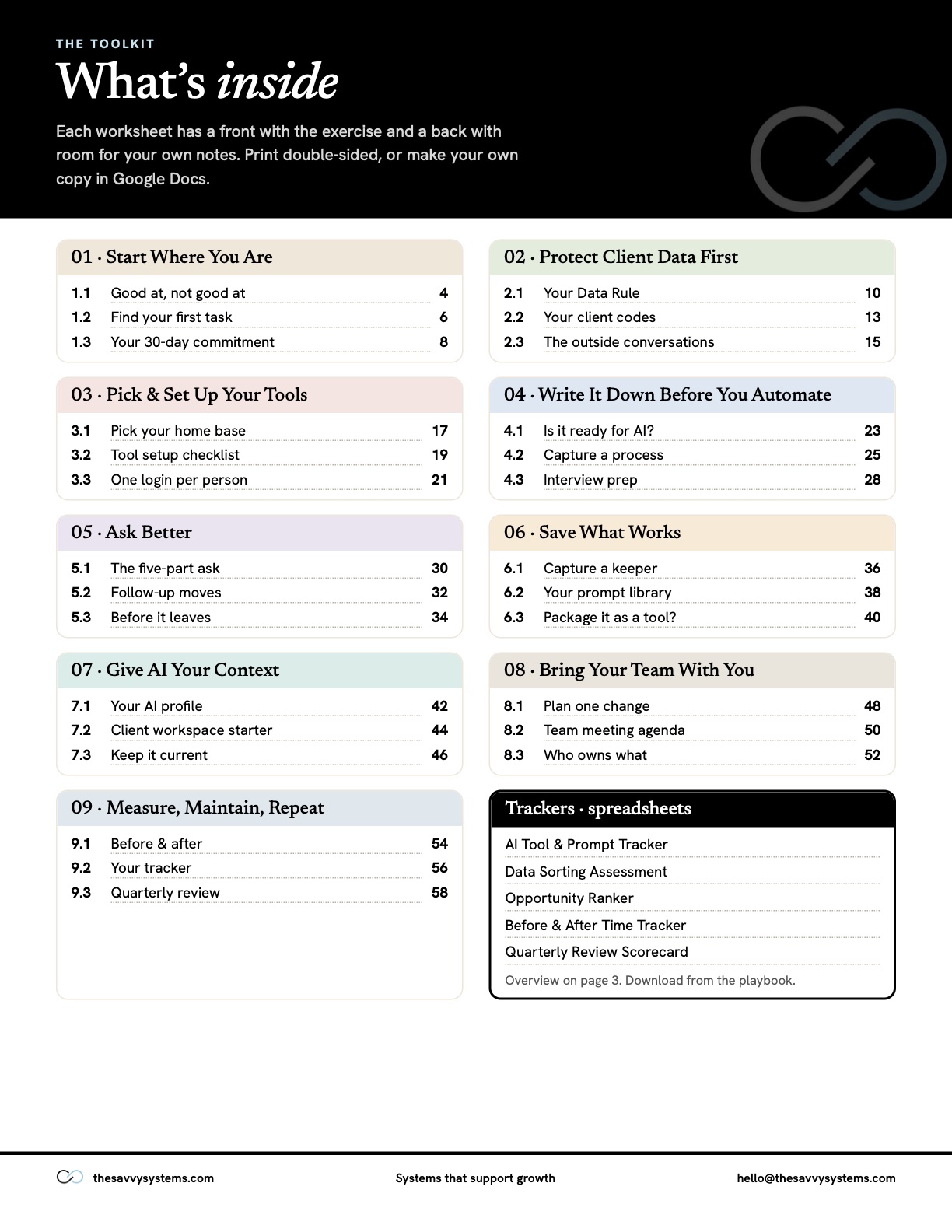
27 worksheets · Print or Google Docs

The Toolkit

Put every lesson to work with a worksheet of your own. Write it out, make a plan, and leave room for your notes.

The Practical AI PlaybookTracker previews
Opportunity Ranker
How to useRankerTop picks
IdeaScore
Draft weekly client status emails16
Turn call notes into action items16
Answer booking FAQs on the website16

Worked examples from the Opportunity Ranker.

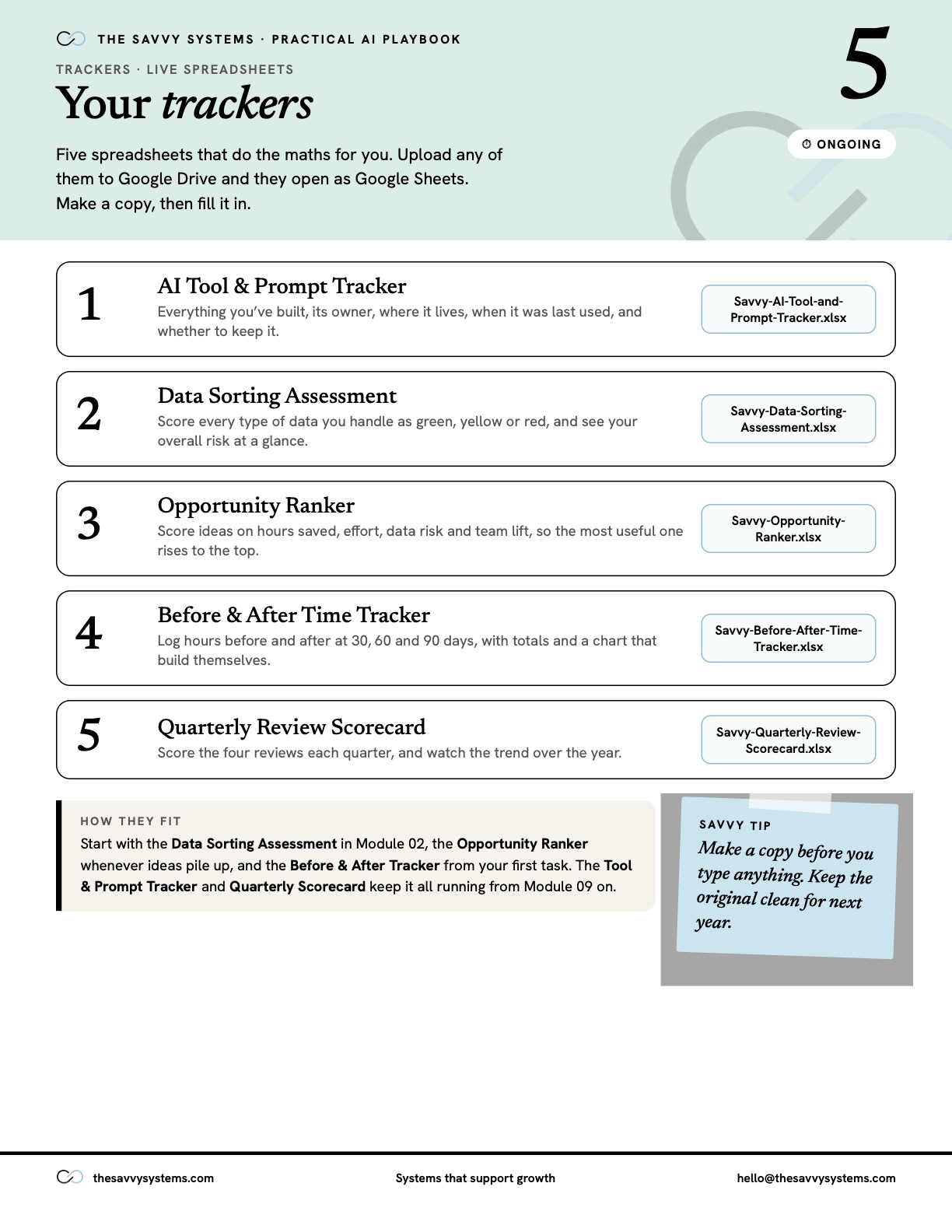
Five ways to keep track

Opportunity Ranker
AI Tool & Prompt Tracker
Data Sorting Assessment
Before & After Time Tracker
Quarterly Review Scorecard
5 spreadsheets · Excel or Google Sheets

The Trackers

Choose the ideas worth trying and measure what changes. Ready-made spreadsheets handle the math for you.

The AI Task MapPractical examples
Find your next useful idea.
AllBookkeepingSmall business
BOOKKEEPING

Build a month-end close tracker

A two-person bookkeeping practice needs a consistent way to see what is waiting on clients.

Copy-ready prompt
BOOKKEEPING

Draft missing-document requests

A bookkeeper spends too long rewriting the same client follow-ups.

Copy-ready prompt
53 tasks · 86 practical examples

The AI Task Map

Find where AI fits your day-to-day work. Browse by task or business type, with prompts ready to make your own.

All four tools. Free with an account.

Take a peek inside

Take a look

Flip through the Toolkit.

Seven sample pages from the printable Toolkit. Each worksheet has the exercise on the front and room for your notes on the back.

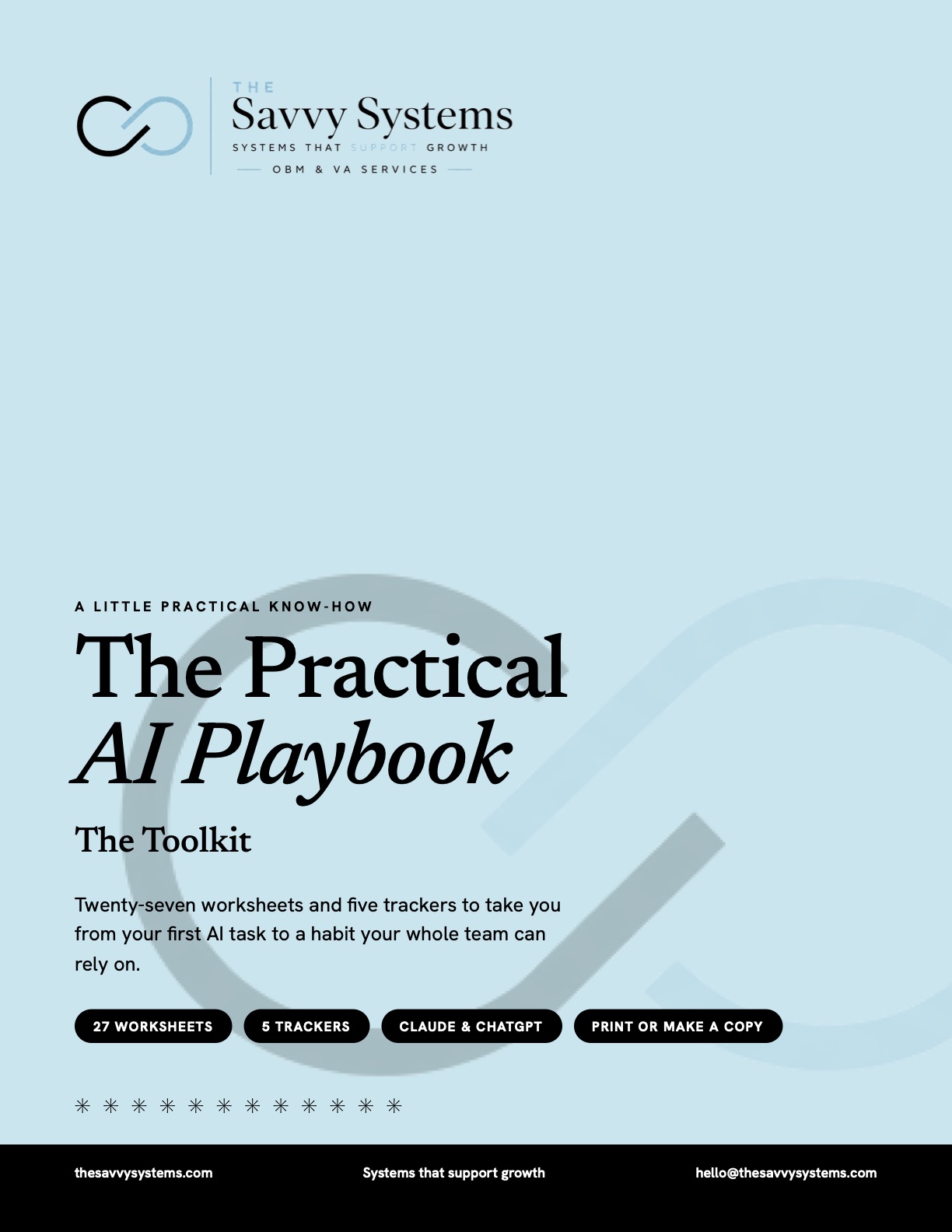
Toolkit cover: The Practical AI Playbook, The Toolkit. Twenty-seven worksheets and five trackers.

Try it

Flip through the AI Task Map.

Choose your kind of business and open two of the 86 practical examples, ready to copy into Claude or ChatGPT.


Fill the highlighted [brackets] with your own details, then paste it into Claude or ChatGPT.

HOW IT WORKS

Three steps to get started.

01

Create a free account

Just your name, email and a password.

02

Verify your email

Click the link we send you to open the Playbook.

03

Learn, try and build

Work through a lesson, print or copy its worksheet, and use the Task Map whenever you need an idea.

A FEW OF THE RESOURCES

Fill them in. Put them to work.

WORKSHEET
Your Data Rule

One page your whole team can follow under pressure.

Names OR numbers. Never both in the same paste.Green · use freelyYellow · redact firstRed · never
TRACKER
Opportunity Ranker

Score every idea the same way.

(Hours saved × 3) − Effort − Data risk − Team liftSix or more? Pilot it.
EXAMPLE
Build a 13-week cash forecast

A ready-to-run prompt from the Task Map.

Starting cash, money in, money out.Flags any week that dips too low.

A preview of three of the resources. Worksheets come as printable pages and Google Docs, and trackers as spreadsheets that open in Excel or Google Sheets.

THE NINE SECTIONS

From curious to confident.

Work through it in order, or jump to the part you need. Every lesson ends with something you can actually use.

Ready to find the useful stuff?

Create your free account and start with section one today.

Create a free account Sign in
  1. 01 Start Where You AreWhat AI is good for, and your first task. 3 LESSONS
  2. 02 Protect Client Data FirstOne rule, a redaction habit, and the outside conversations. 3 LESSONS
  3. 03 Pick & Set Up Your ToolsClaude and ChatGPT side by side, set up safely. 3 LESSONS
  4. 04 Write It Down Before You AutomateDefine the work before AI touches it. 3 LESSONS
  5. 05 Ask BetterA shape for any request, better follow-ups, a final check. 3 LESSONS
  6. 06 Save What WorksCapture prompts, build a library, package the best. 3 LESSONS
  7. 07 Give AI Your ContextYour profile, client workspaces, and keeping them current. 3 LESSONS
  8. 08 Bring Your Team With YouRoll it out to a team that’s tired of new processes. 3 LESSONS
  9. 09 Measure, Maintain, RepeatMeasure, track, and review it every quarter. 3 LESSONS